

Intelligent perimeter analysis
Computer vision perimeter analysis turns security cameras into sensors that detect people, vehicles and events in monitored zones. The goal is not more alarms: it is to make sure your team only receives what deserves attention, together with an image of what happened.
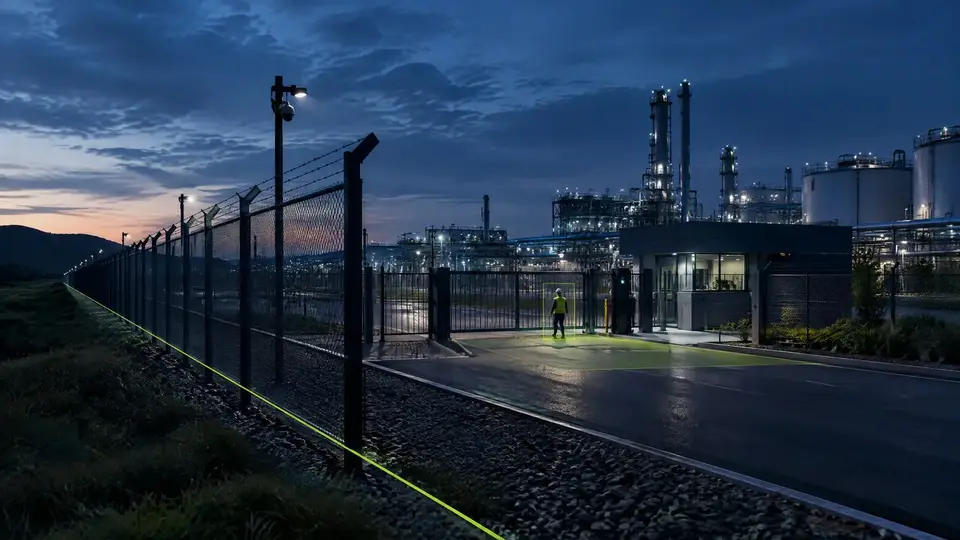
What can be detected
Feasibility depends on image quality, camera placement, lighting and obstructions. These factors are assessed before the pilot.
- People or vehicles in defined zones.
- Virtual line crossings and entry into restricted areas.
- Dwell time above the configured limit in sensitive areas.
- Movement and events at specific times or places.
- Evidence images and clips attached to each event.
Fewer screens, more context
With many cameras, nobody can watch every scene with the same attention. AI filters events and directs human attention to what requires analysis or a response.
Motion detection is triggered by wind, shadows, rain and animals. A rule such as “person entered the restricted area after hours” cuts the noise and restores trust in alerts.
Integration with your operation
Omnicog works as an intelligence layer on top of your existing infrastructure. Events can be sent to VMS, security systems, monitoring centers, APIs, messaging or dashboards defined in the project.
Where it applies
- Industrial sites and distribution centers.
- Ports, yards and logistics terminals.
- Mining and large operational areas.
- Critical infrastructure and corporate headquarters.
Assessment of your cameras
The first step is to look at the cameras you already have and tell you what they can do. Then a proof of concept with your own footage shows the result in the field. Depending on the size of the project, both steps can be free of charge, and the proof of concept starts running within 10 days of the agreement between the parties.
Assessment
We review image quality, position, lighting and network of the existing cameras against what you want to detect.
Proof of applicability
We run the analysis on real scenes from your site and measure it against the agreed success criteria.
Deployment
On-premises, central, cloud or hybrid, with rules, alerts, user roles and integrations configured.
Continuous calibration
Rules and models are tuned per camera using the real event history.
Frequently asked questions
Does perimeter analysis replace the security team?
No. Computer vision supports the team: it filters events, produces evidence and reduces the need to watch many screens at once. Decisions remain with people.
Do the cameras need to be replaced?
Not always. Existing cameras can be reused when their resolution, placement, lighting and connection are suitable for the event you want to detect.
Does it work at night?
It can, but it depends on the camera and the lighting. Low light, reflections, backlighting and distance are assessed technically before the pilot.
How does AI avoid false alarms?
By combining the object class (person, vehicle), the zone, the direction, the dwell time and the time of day. Instead of reacting to any movement, it only triggers what matches the operation’s rule.
What is the difference between motion detection and AI analysis?
Motion detection reacts to any change in the image, including wind, shadows, rain and animals. AI analysis recognizes the person or vehicle and only alerts when the perimeter rule is met.
How many alerts per day will the team receive?
It depends on the rules, not on the number of cameras. During the pilot, areas, schedules and dwell times are calibrated with the real history of each camera, so that only what requires action reaches the team.
What does the proof of concept look like?
It starts with the assessment of the perimeter cameras. Then we run the rules on real scenes, by day and by night, and measure them against the criteria agreed beforehand, before deploying. See how the assessment works.
What do you want your cameras to tell you?
Tell us what you need to detect, measure or monitor. We start with the problem, not the technology, and the assessment uses images from the cameras you already have.
- Phone and WhatsApp
- +55 11 3636-8989
- Address
- Al. Terracota, 185, conj. 1213 — São Caetano do Sul, SP, 09531-190